Register/Admin Selector
When you open Kensium Point-of-Sale, you'll see two options. Select the path that matches what you need to do.
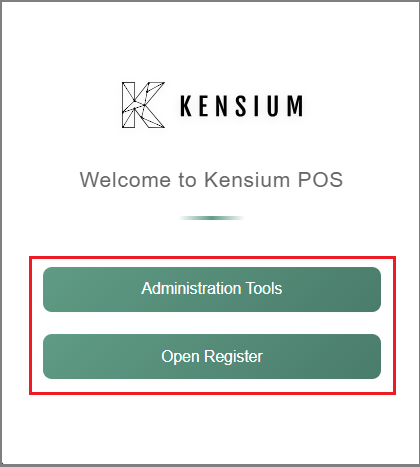
Choose Your Path
Administration Tools
Access system configuration and management features. Set up users, stores, registers, inventory, pricing, and business rules. For administrators and managers only.
Open Register
Process customer sales and manage daily operations. Select your register terminal, log in, and start handling transactions, payments, and cash management.
Related Documentation
Remember
Select your register carefully before logging in. Once you open the drawer, you're committed to that register for the shift. Your transactions are tied to this specific register for audit purposes.