Payment Terminals
Configure payment terminals for credit card processing.
Set up your payment terminal for credit card processing. Select the appropriate terminal type from configuration, ensure it's powered on and connected, then test to verify card processing works correctly.
Configure Payment Terminal
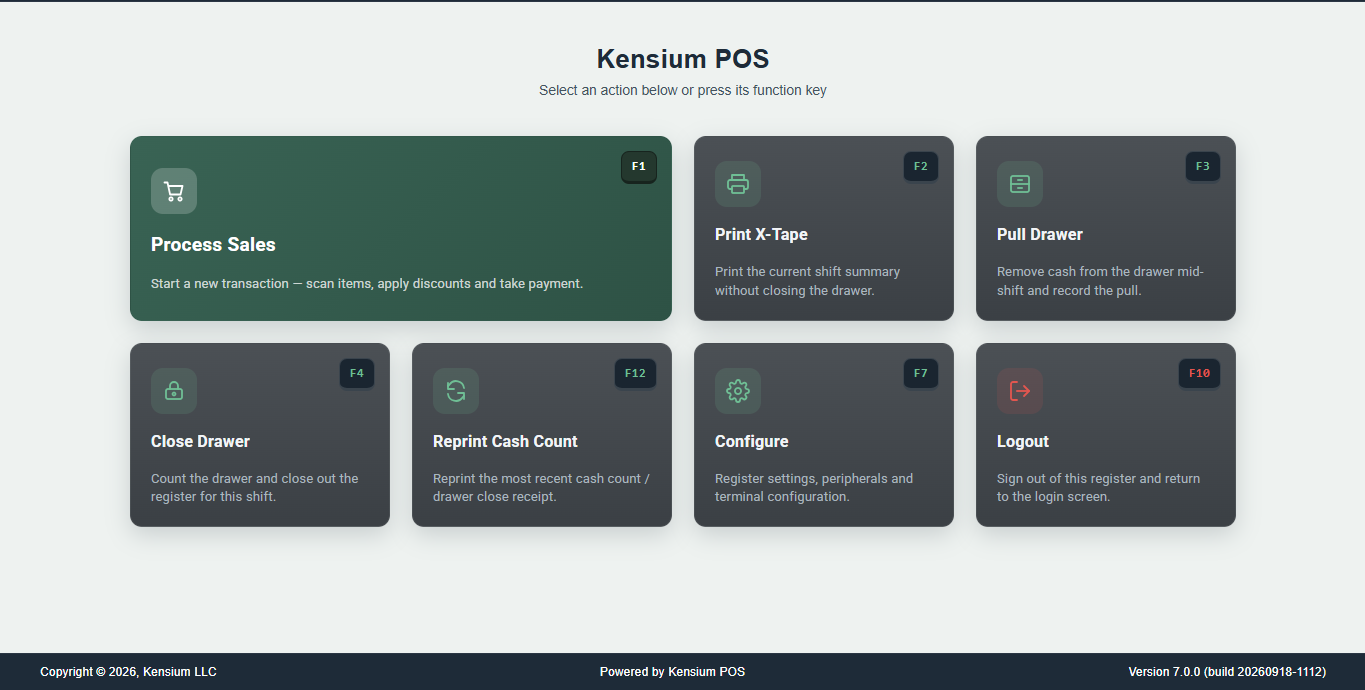
- Press F7 (Configure) from Home Page
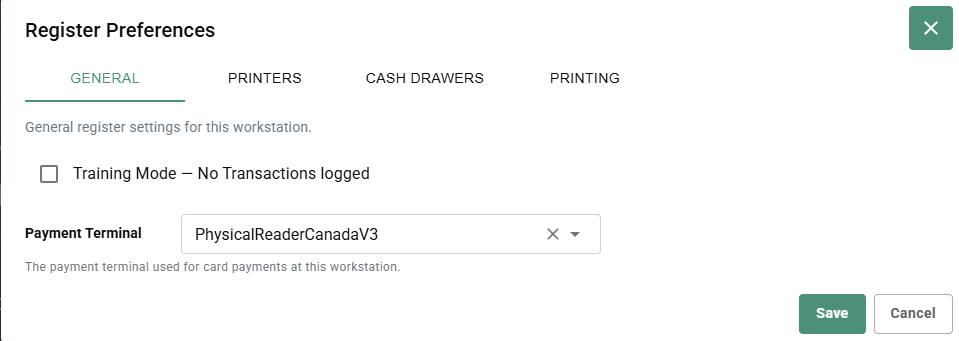
- Go to GENERAL tab
- Select Payment Terminal dropdown
- Choose your terminal type:
- PhysicalReaderCanadaV3
- Other configured terminals
- Click Save
Note
The payment terminal dropdown shows the terminals configured in Card Payments settings (Admin → payments → Card Payments). Available options depend on what payment terminals are set up in your system.