SQL Server Management Studio
This guide outlines the procedure for installing SQL Server Management Studio (SSMS) to support Kensium POS.
Installation Files
Ensure SQL Server 2022 Management Studio Installer (SQL2022-SSEI-Expr.exe) is downloaded to the server that will receive the installation. The installation file can be found at:
- Kensium file share: SQL Server and SSMS 2022
- Microsoft: https://learn.microsoft.com/en-us/ssms/install/install
Process
Step 1. Run the SSMS-Setup-ENU.exe installer program.
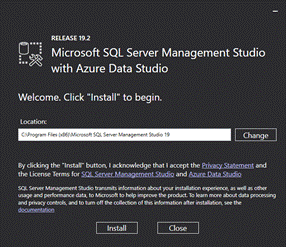
Step 2. Click the Install button to begin:
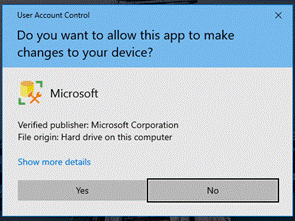
Step 3. When prompted by Windows UAC (User Account Control), click Yes to allow changes:
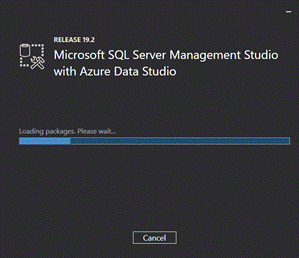
Step 4. Wait for the installation to complete:
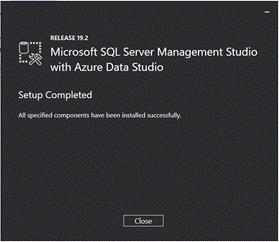
Step 5. Once done, click Close to finalize: